How to Detect If Your Site Was Penalized by Google
Signs of manual penalties and algorithm hits you shouldn't ignore. What to look for in Search Console and how to confirm the problem.


Written by the RankRevive Editorial Team, focused on practical recovery strategies and honest guidance for Winnipeg search rankings.
Understanding Google Penalties
Your site's traffic drops. You check your rankings and they're gone. Now what? It's either a manual penalty or an algorithm update hit both hurt, but you'll need to know which one you're facing. Google doesn't always send a notification, so you've got to look for the signs yourself.
The good news is that penalties leave traces. Search Console will show you patterns. Your traffic graphs tell a story. Your backlinks reveal problems. If you know what to look for, you can figure out what happened and start fixing it.
Manual Penalties vs Algorithm Changes
Google sends manual penalties when a person reviews your site and finds violations. You'll see a message in Search Console's Manual Actions report. It's specific, direct, and honestly kind of a relief because you know exactly what Google found wrong.
Algorithm changes are different. They're automatic. No notification arrives. Your site just performs worse or better based on how it matches the new ranking signals. Algorithm hits usually affect multiple sites in your niche at the same time. If you lost rankings on the same day as 20 other sites in your industry, that's probably an algorithm update.
Both types of problems need fixing. The difference is knowing where to focus your effort.

Check Search Console First
This is where Google tells you about manual penalties directly. It's your first stop when traffic drops.
Look at Traffic Timing
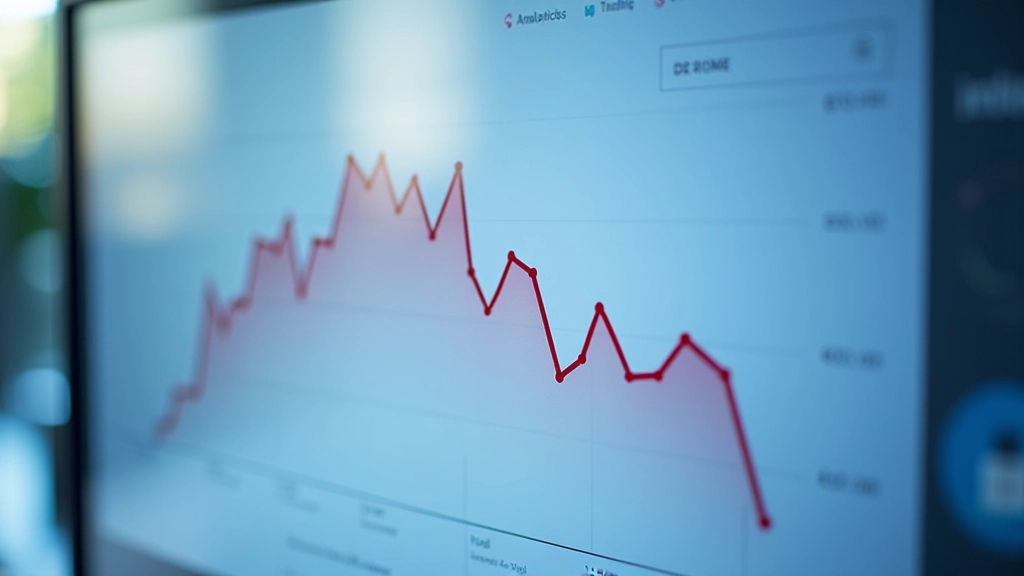
When did traffic drop? A sudden cliff on one day usually points to an algorithm update. Gradual decline often means manual action or quality issues.
Audit Your Backlinks
Toxic links trigger penalties. A spike in low-quality backlinks before the traffic drop is a red flag.
What the Numbers Tell You
Open Search Console and go to the Performance report. Look at impressions and clicks over the last 6 months. A sharp drop that happens on a specific date is usually an algorithm update. You'll notice other sites talking about it on Twitter or forums on that same day.
If traffic dropped gradually over 2-3 weeks, that's different. Gradual decline often means your content quality dropped, or you picked up bad links, or something on your site changed that Google didn't like. It's less obvious but still fixable.
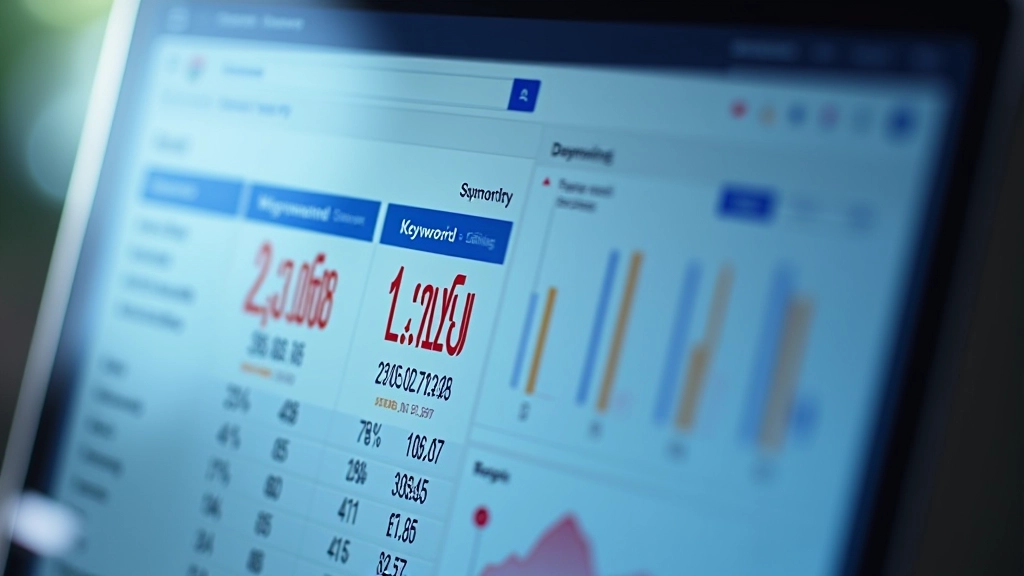
Check your keyword rankings too. If you ranked for 500 keywords last month and now you're ranking for 200, something changed. Are the keywords you lost related to one topic? That's a clue. Did you lose rankings across all topics? That's a site-wide issue.
Five Things to Check Right Now
Search Console Manual Actions
Log in and go directly to Manual Actions. If Google penalized you manually, you'll see it here. It'll tell you exactly what violation triggered it: spam, cloaking, structured data issues, unnatural links, or something else.
Review Recent Traffic Drops
Look at the Performance graph for the past 12 months. Find the lowest point. Check that specific date. Did traffic drop instantly or fade over weeks? This timing tells you a lot about what happened.
Examine Your Backlink Profile
Check what links point to your site. Look for sudden spikes in low-quality links around the time traffic dropped. Links from article directories, comment spam, private blog networks (PBNs), or unrelated sites are red flags. Google's Penguin algorithm targets this.
Audit Your Content Quality
Did you publish thin content? Copied content? Keyword-stuffed pages? Google's Core algorithm updates specifically target low-quality content. Review pages that lost the most traffic. Compare them to top-ranking competitors. Are they genuinely better?
Check for Technical Issues
Look in Search Console's Coverage report. Are there crawl errors? Broken pages? Server errors? A spike in errors around the penalty date means Google couldn't access your site properly. That alone can trigger a ranking drop.
Common Penalty Signals
You don't always get a notification. Here's what to look for instead. Your ranking positions drop sharply for pages that were performing well. You're still in Google's index but you're ranking much lower. You're not seeing that in Search Console's Manual Actions report, which means it's likely an algorithm update, not a manual penalty.
Another signal: your site gets a lot of impressions but almost no clicks. That means you're still showing up in search results but you're ranking so low (position 50+) that nobody clicks. This often happens with algorithm penalties related to E-E-A-T (expertise, experience, authoritativeness, trustworthiness).
Sometimes you'll see pages deindexed. They just disappear from Google's index. You won't see them in search results at all. If multiple pages deindex at once, that's usually a technical issue. If it's scattered, it could be content quality problems.
Next Steps After Detecting a Penalty
Once you've confirmed that something's wrong, you've got two paths. If you see a message in Search Console's Manual Actions report, you'll need to fix the specific violations and submit a reconsideration request. Google's pretty clear about what's wrong in those messages, so follow their guidance exactly.
If it's an algorithm update, there's no reconsideration request. You've got to improve your site to match what the algorithm now values. That usually means better content, stronger E-E-A-T signals, higher-quality backlinks, and faster page speed. It's harder work because you're not fixing a specific violation you're improving your entire site.
Don't panic. Penalties are recoverable. Sites come back all the time. You just need to understand what went wrong, fix it properly, and give Google time to re-crawl and re-index your pages. Most recovery takes 2-6 months depending on how serious the penalty is.
Important Notice
Results vary depending on many factors including your site's history, the specific violations, and how thoroughly you fix the underlying issues. No specific outcomes are guaranteed. This guide is educational information to help you understand penalty detection. For personalized guidance on your specific situation, consider consulting with an experienced SEO professional who can audit your site directly.
Continue Learning
Explore these related guides to understand more about recovery and protection

Writing an Effective Google Reconsideration Request
Step-by-step process for submitting a reconsideration request after a manual penalty
Read Guide
Recovering from Algorithm Updates: A Practical Recovery Plan
When core algorithm updates hurt your rankings, here's what actually works
Read Guide
Disavowing Bad Backlinks: When and How to Do It Right
Identifying toxic backlinks that might trigger penalties. How to use Google's disavow tool
Read Guide